
Food & Drink
On the table at meals.
Aphasia · Word finding · Daily practice
Word recall exercises for adults whose words don't come as easily as they used to — after a stroke, aphasia, or with a typical aging brain.
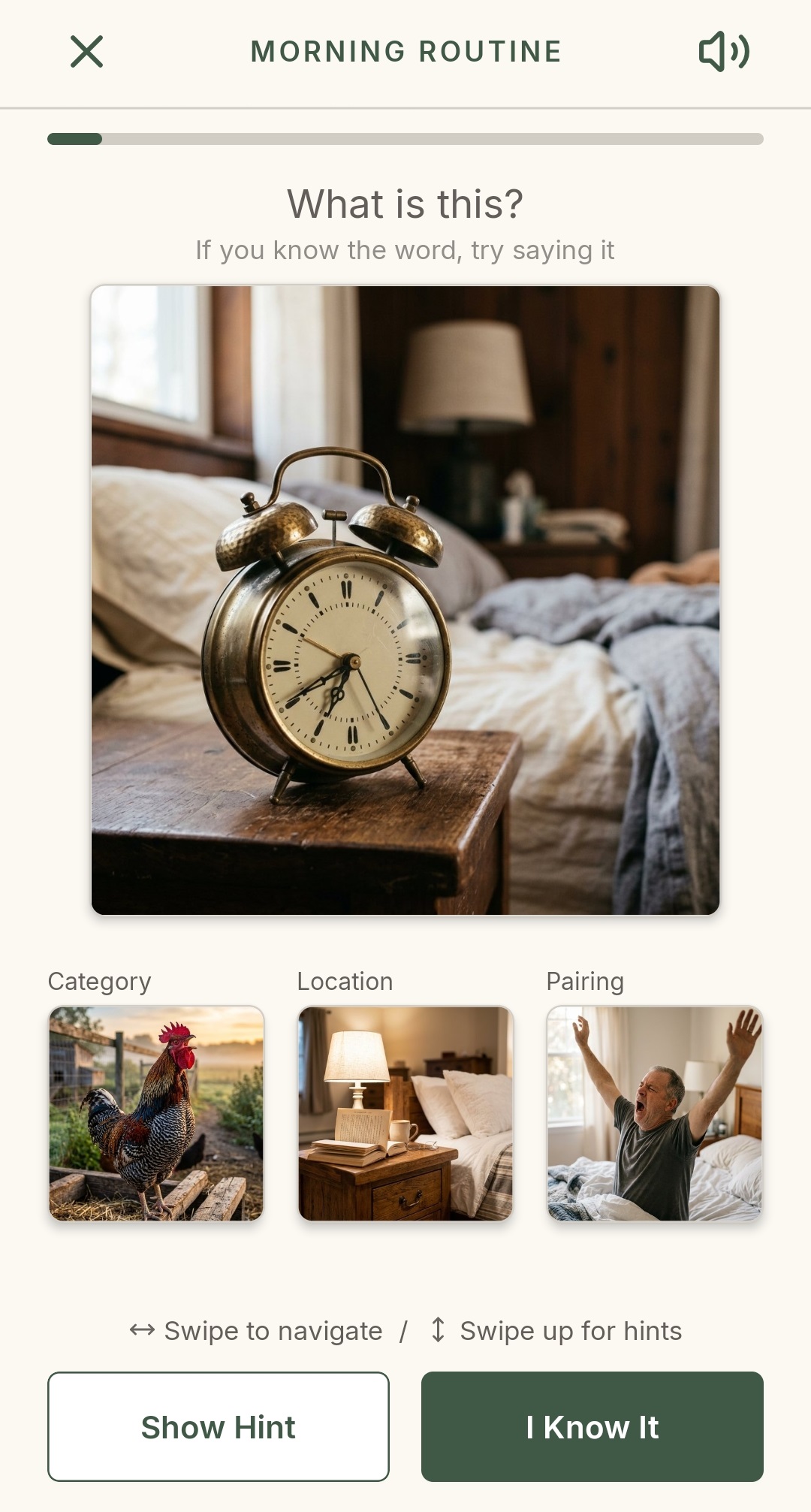
Clues your brain naturally uses to find words.
Clear, easy-to-use flow — no setup, no menus.
Built for the long practice — at your pace.
Carefully designed cues for word recall that supports growth and retention.
How it works
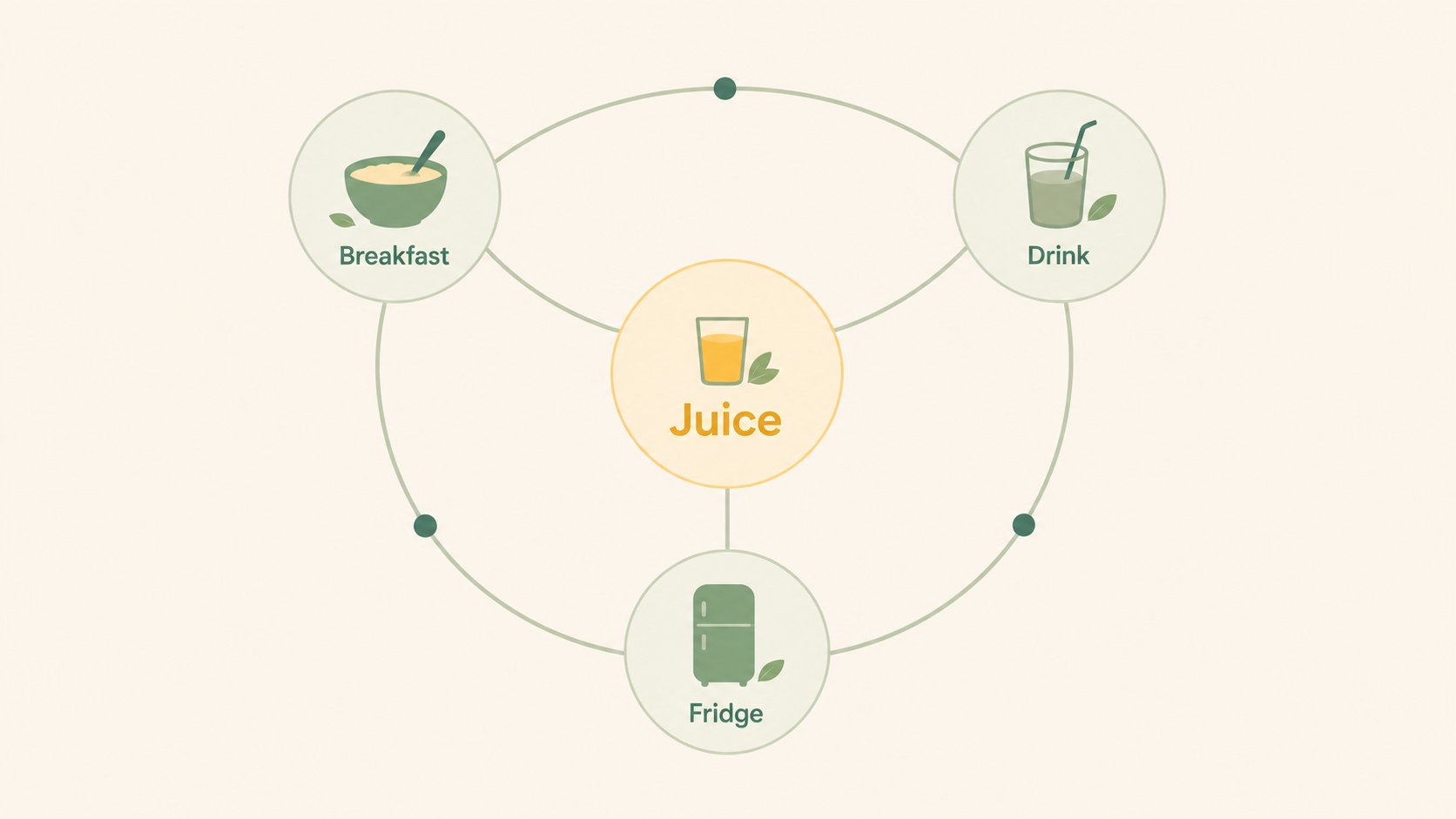
When your brain reaches for juice, it reaches across a semantic network of related words and ideas. Like roads on a map: when one is harder to access, nearby ones can guide your brain back.
After a stroke or with changes that come with typical aging, recalling everyday words can sometimes become difficult.
Find My Words uses speech therapy strategies designed to support word retrieval, including elements of:
Practicing with this app between speech therapy sessions can help reinforce word finding and language skills.
Designed by P. H. Daniels, MS, SLP — bestselling author of The Aphasia Workbook and a speech and cognitive therapist.
Built to support where you are and encourage continual practice — naturally, at your own pace.
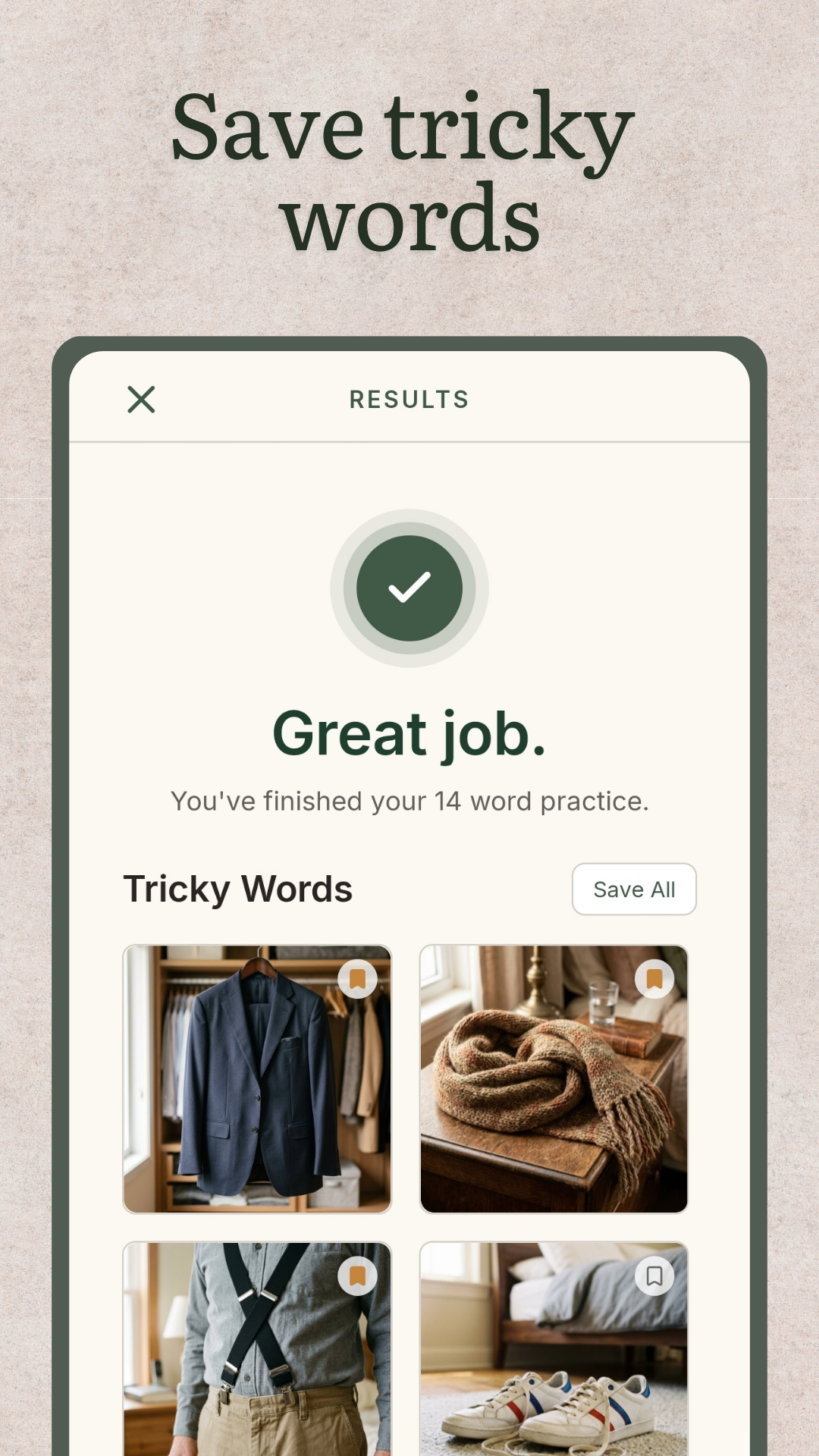
Save tricky words at the end of a session.
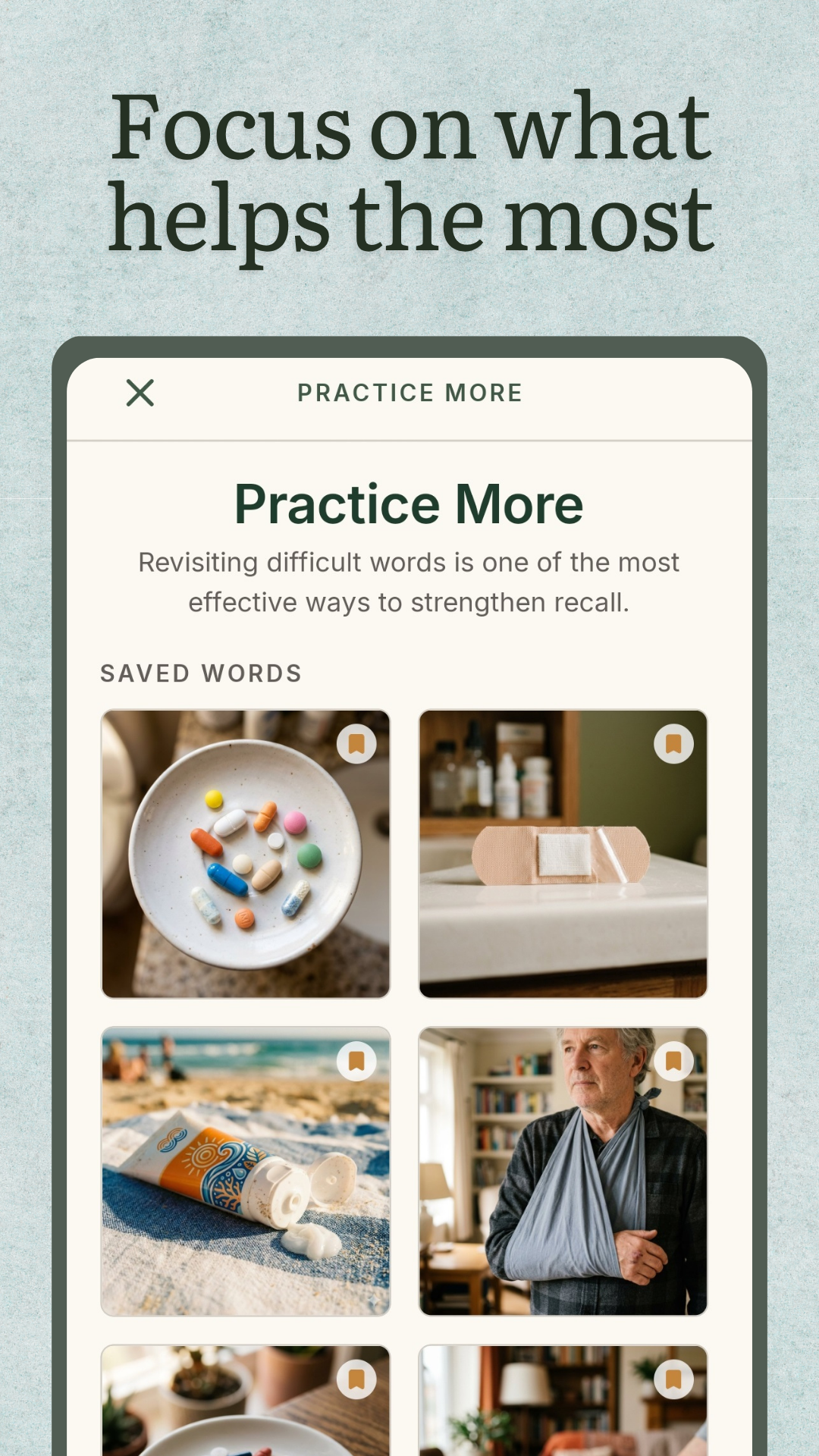
Return to those saved words anytime in Practice More.
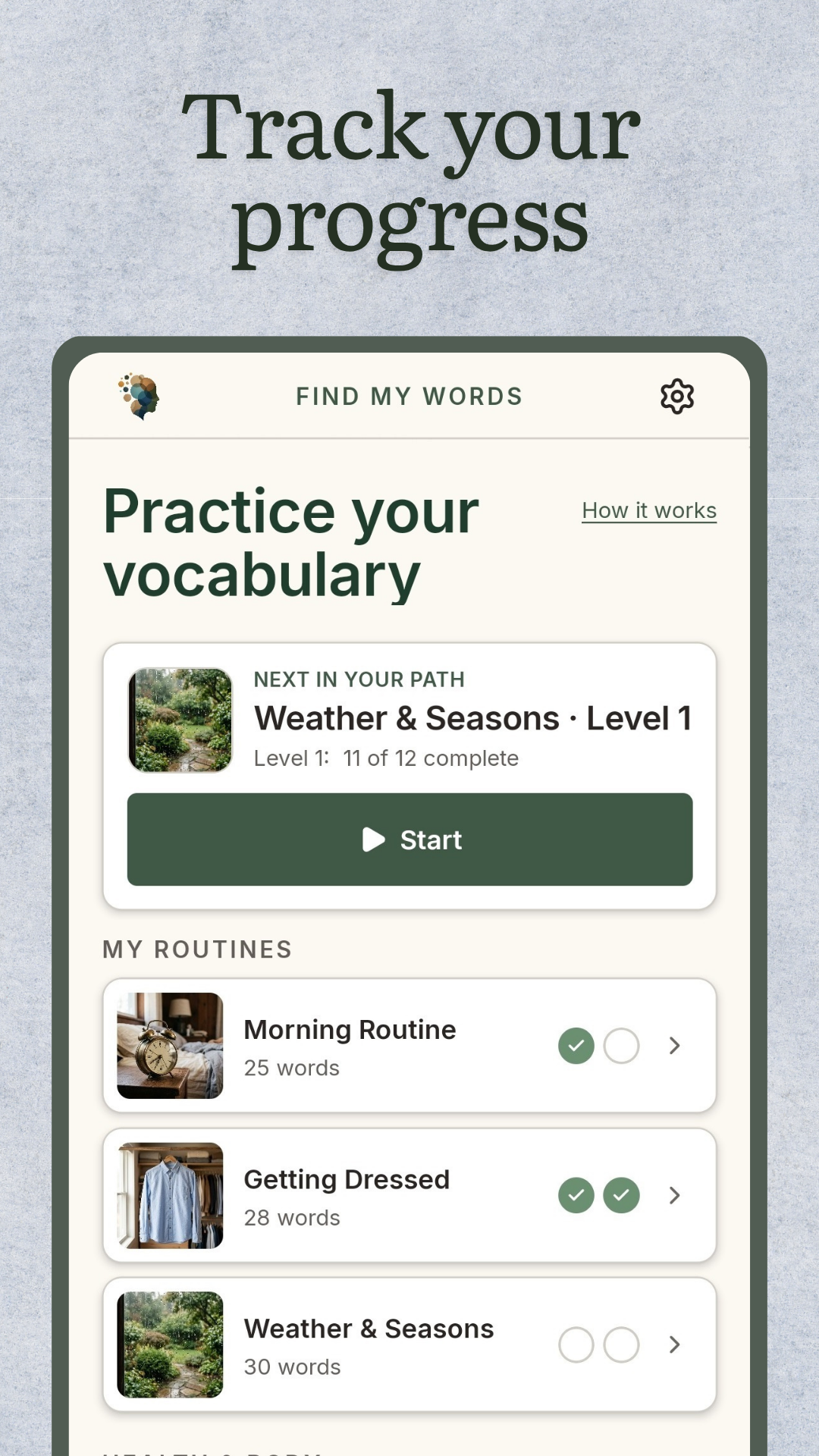
See your routines and progress.
Three starter packs are included with the app. Add a category pack anytime — no subscription, no recurring billing.
Across four topics — meals, the home, routines, and health.
On the table at meals.

Reaching for things in each room.

Mornings, getting dressed, the weather.
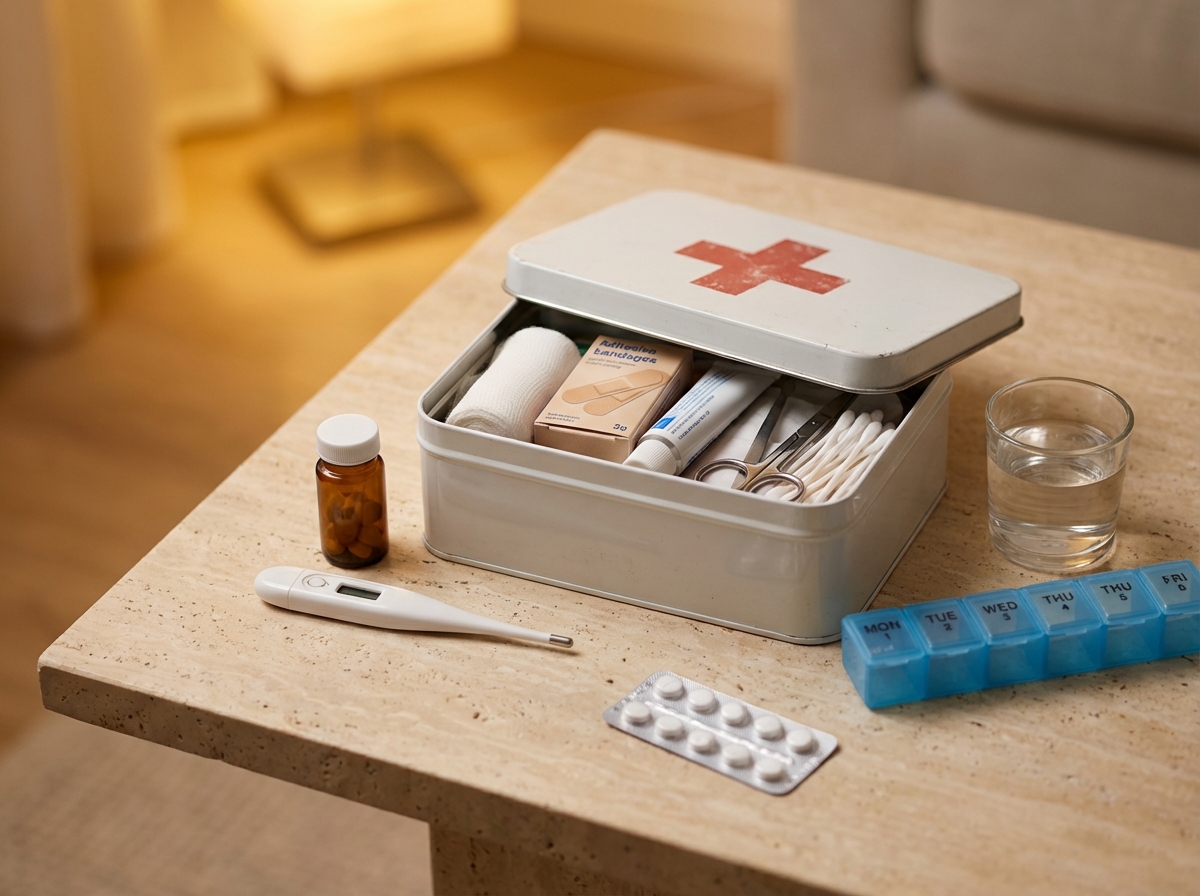
The doctor's office. The medicine cabinet.
Yes — Find My Words is built around the cueing techniques used in aphasia therapy: semantic feature analysis and phonological cueing. It's meant to support clinical work, not replace it.
Neither, really — it's a practice. The kind of daily, picture-based practice a clinician might suggest you do at home between sessions. The cues are the same ones clinicians use — a category, a location, a first sound — but the cards aren't a program with milestones, scores, or streaks. It's designed to support work with a speech-language pathologist, not to replace it, and not to gamify it.
It's designed to be used on your own or with support. There are no menus to navigate during a card, no scoring to explain, and the first session looks the same as the hundredth. Many people open it themselves once it's set up.
Yes. Find My Words supports iOS Switch Control and Android Switch Access, large-text reveal, spoken audio for every word, and respects reduced-motion settings. No gestures required — simple taps and swipes.
Three starter packs are free. Additional category packs are $9.99 each, or $24.99 to unlock everything. One-time purchases, no subscription, no recurring billing.
No accounts, no logins. Your history stays on the device. No advertising, no cross-app tracking. Anonymous analytics can be turned off in Settings.
Yes — Find My Words is designed for supplementary practice between sessions. Three packs are free, and full content is a one-time purchase. No clinician account or referral system is required.
The same retrieval practice helps anyone whose words don't come as easily — whether the cause has been named or not. Brain fog after COVID, with perimenopause, during chemo, or following a concussion all show up as the same tip-of-the-tongue feeling. Find My Words is not a treatment for any condition. It's a practice you can do daily, with or without a clinician.
Some caregivers use Find My Words with someone experiencing mild memory changes or early dementia. It isn't a treatment for any condition — it's vocabulary practice. Whether it fits the person depends on where they are; the speech-language pathologist or doctor working with them is the right person to ask. The first three packs are free, which makes it easy to try together before deciding. Find My Words is not a medical device and does not diagnose, treat, cure, or prevent any condition.
Find My Words is built for adults working on word retrieval, not designed specifically for autism. Some adults use it for everyday vocabulary, and the format — picture, cue, reveal, audio — is straightforward and sensory-light. The free packs are the best way to see whether it fits.
When you're ready
No account. No setup. No personal data.
Find My Words is designed to support work with a speech-language pathologist, not to diagnose or treat any condition. If you're navigating something new, talk with a clinician about what's right for you.